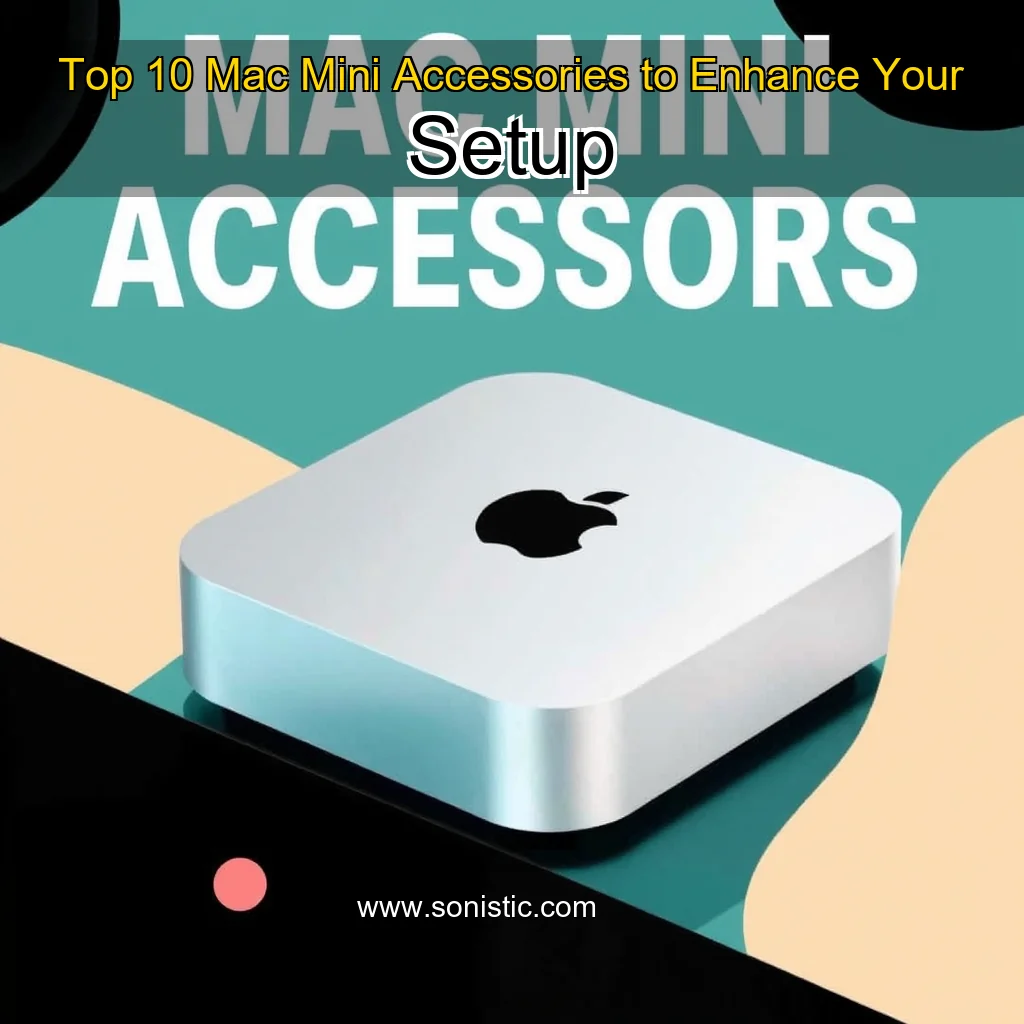
Here are some essential accessories to consider when pairing your Mac Mini with the right tools.
Accessories for a Productive Workspace
Monitor and Display Options
When it comes to choosing a monitor for your Mac Mini, there are several factors to consider. Here are a few key considerations:
Resolution and Size: A higher resolution and larger screen size can provide a more immersive experience, but may also increase the cost. Connectivity Options: Ensure the monitor has the right ports to connect your Mac Mini, such as HDMI, DisplayPort, or USB-C. Adjustability and Ergonomics: A monitor with adjustable height, tilt, and swivel can help you find a comfortable viewing position. Some popular monitor options for Mac Mini include:**
24-inch 4K Display: A compact and affordable option for general use. 27-inch 5K Display: A larger and more immersive option for creative professionals. Curved Monitor: A curved screen can provide a more engaging experience, but may also be more expensive. ### Keyboard and Mouse Options**
Keyboard and Mouse Options
A good keyboard and mouse can make a significant difference in your productivity and workflow. Here are some key considerations:
Ergonomic Design: Look for keyboards and mice with ergonomic designs that reduce strain and discomfort. Wireless Connectivity: Wireless keyboards and mice can provide more flexibility and convenience. Customization Options: Consider keyboards and mice with customizable backlighting, macro keys, or other features that suit your needs. Some popular keyboard and mouse options for Mac Mini include:**
Wireless Mechanical Keyboard: A wireless keyboard with mechanical switches for improved typing accuracy.
The Logitech MX Master 3S is a versatile tool that can be used in various settings, from home offices to professional environments.
Key Features of the Logitech MX Master 3S
Advanced tracking technology for precise cursor control
Contoured shape and thumb rest for user comfort
Long-lasting battery life (up to 70 days)
Wireless connectivity options (Bluetooth and USB)
Ergonomic design for reduced strain on the hand and wrist
Compatible with multiple platforms (Windows, macOS, and Linux)
A Closer Look at the Logitech MX Master 3S
The Logitech MX Master 3S boasts a sleek and modern design that exudes sophistication. Its contoured shape and thumb rest work in tandem to provide optimal support for your hand and wrist.
Compact, feature-rich docking station for Mac users.
This dock supports USB 3.0, USB-C, and Thunderbolt 3, making it an ideal choice for users who need to connect multiple devices at once.
The CalDigit TS4 Dock: A Comprehensive Review
The CalDigit TS4 Dock is a highly-regarded docking station designed to expand the connectivity options of the Mac Mini. With its compact size and robust feature set, it has become a popular choice among Mac users who require multiple ports to connect their devices.
Key Features
18 ports, including USB 0, USB-C, and Thunderbolt 3
Compact design, making it ideal for small spaces
Supports up to 4K video output
Compatible with Mac Mini, Mac Pro, and other compatible devices
Benefits of Using the CalDigit TS4 Dock
Using the CalDigit TS4 Dock can greatly enhance your productivity and workflow. Here are some benefits of using this docking station:
Increased Connectivity Options: With 18 ports, you can connect multiple devices at once, making it ideal for users who need to transfer files, share files, or connect multiple peripherals. Improved Productivity: By providing a centralized hub for your devices, the CalDigit TS4 Dock can help streamline your workflow and reduce clutter.
The Logitech C920 is a budget-friendly option with excellent image quality and a wide-angle lens.
Choosing the Right Webcam for Your Needs
When selecting a webcam, consider the following factors:
Resolution: Look for a webcam with a high resolution, such as 4K or 1080p, for clear and crisp video. Autofocus: A webcam with autofocus capabilities ensures that your face is always in focus, even when you’re moving. Connectivity: Consider a webcam with multiple connectivity options, such as USB, HDMI, or wireless connectivity. Compatibility: Ensure the webcam is compatible with your device and operating system. ## Top Webcam Picks
Top Webcam Picks
Insta360 Link 2
The Insta360 Link 2 is a high-end webcam that offers impressive 4K resolution and autofocus capabilities.
Protect your digital assets with robust antivirus software like Norton Antivirus. Safeguard your physical assets with a home security system like Ring.
Investing in the Right Tools for a Productive Workspace
Enhancing Visual Clarity and Color Accuracy
Investing in high-resolution monitors is a crucial step in creating a productive workspace. High-resolution monitors provide a sharper and more detailed visual experience, which can significantly enhance your work’s overall quality. When selecting a monitor, consider the following factors:
Resolution: Look for a monitor with a high resolution, such as 4K or 5K, to ensure crisp and clear visuals. Color accuracy: Choose a monitor with accurate color representation to ensure your work looks its best. Response time: Opt for a monitor with a fast response time to reduce ghosting and blurring. Some popular high-resolution monitor options include:*
BenQ PD2700U: A 27-inch 4K monitor with excellent color accuracy and a fast response time.
Source & Image Credit: Pete Matheson Share Tweet Pin Email Filed Under: Apple, Top News Latest Geeky Gadgets Deals Disclosure: Some of our articles include affiliate links. If you buy something through one of these links, Geeky Gadgets may earn an affiliate commission. Learn about our Disclosure Policy.