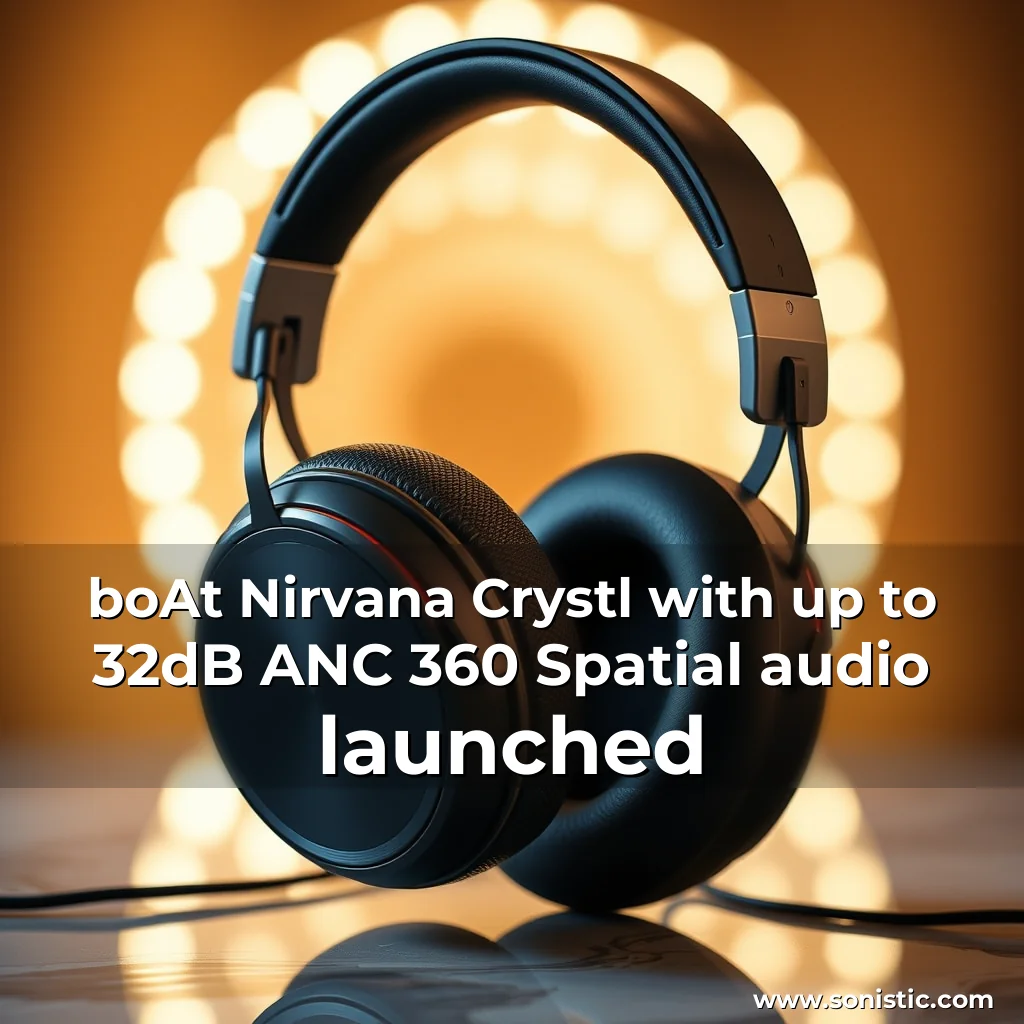
Key Features of Nirvana Crystl
Advanced noise cancellation technology
Up to 100 hours of playback on a full charge
Multipoint Connectivity for seamless switching between devices
Water-resistant design with IPX4 rating
Long-lasting battery life with fast charging capabilities
Technical Specifications
The Nirvana Crystl earbuds boast a range of technical specifications that make them an attractive option for music lovers and tech enthusiasts alike. Here are some key details to consider:
Bluetooth v3 connectivity for stable and efficient wireless audio transmission
6mm dynamic drivers for clear and detailed sound reproduction
10mm sound chamber for enhanced bass response
32-bit/384kHz audio decoding for high-fidelity sound quality
Support for aptX, AAC, and SBC codecs for compatibility with various devices
Design and Build Quality
The Nirvana Crystl earbuds have a sleek and modern design that exudes premium quality.
The app also allows you to customize the sound signature and EQ settings to suit your preferences.
Customizable sound signature and EQ settings
In-Ear Detection for seamless playback
IPX4 water resistance for durability
Tweaked sound settings and noise cancellation
How to Use the boAt Hearables App
To get the most out of your boAt Hearables, you’ll need to download and install the app. Here’s a step-by-step guide to help you get started:
Download the boAt Hearables app from the App Store or Google Play Store. Launch the app and create an account or log in if you already have one. Go to the Settings section and explore the various options available. Adjust the sound signature and EQ settings to your liking. Enable In-Ear Detection to pause and resume playback automatically. Customize the noise cancellation settings to suit your environment.
Further details on this topic will be provided shortly.
news
news is a contributor at Sonistic. We are committed to providing well-researched, accurate, and valuable content to our readers.
You May Also Like
Prolight + Sound 2025: Showcasing the Future of Entertainment Technologies
The 30th Prolight + Sound exhibition, held in Frankfurt, Germany from April 8-11, 2025, drew a record-breaking 23,031 attendees from...
The Ultimate Gaming Headset Experience in the UAE
The world of gaming has come a long way, and with it, the technology behind gaming headsets has evolved significantly....

Adamson Appoints Experienced Business Development Manager for UK and Ireland
Adamson, a leading manufacturer of loudspeaker technology for the professional audio industry, has appointed Vince Borrelli as its new business...

Modern Color Palette To Reflect Today's Interior Design Sensibilities
Casio America, Inc. has introduced two new limited edition digital piano models, the PX-S1100CB (Calm Blue) and PX-S1100MB (Mellow Beige),...